
NEXAL Pad and Earbuds Review: Stay Connected, Pack Light
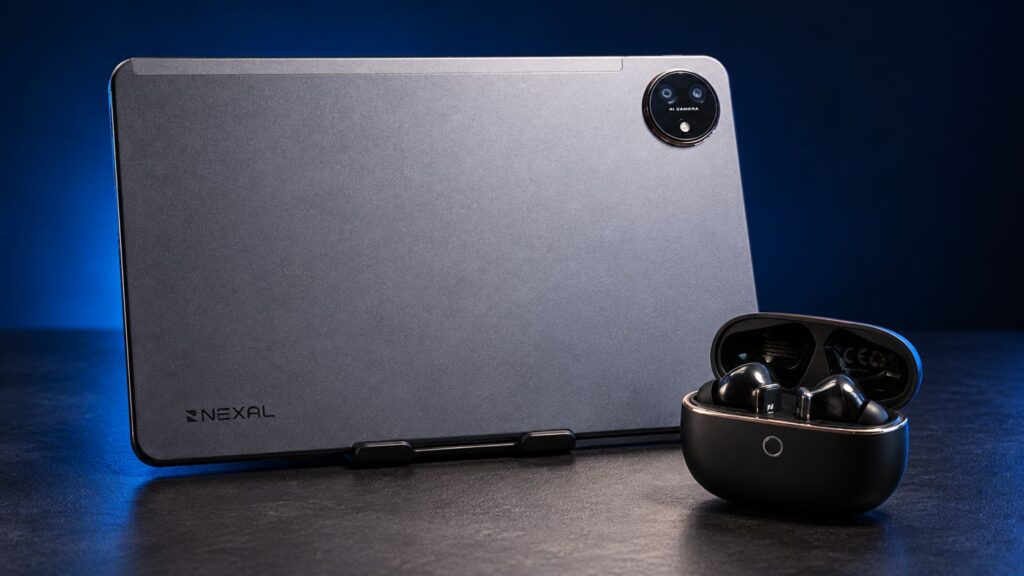
A tablet is an easy addition to a travel bag until you realize it needs your phone to get online.
For a work trip involving emails, documents, and a few revisions between appointments, the smaller setup makes sense. You get more room to read and type than your phone offers, without carrying a laptop and its accessories. But when the hotel or café Wi-Fi won’t cooperate, your phone becomes a hotspot—and another battery you need to watch.
That’s the problem the NEXAL Pad’s built-in mobile connection helps solve. At ₱17,999, it combines dual-SIM 4G LTE with an 11-inch display, 256GB of storage, and a 10,000mAh battery.
I’ve been using it alongside the ₱2,999 NEXAL Earbuds, which also came with me on our recent trip to Guizhou, China. The tablet’s biggest attraction is getting work done without relying on my phone for a connection. The earbuds earned their place through comfortable listening and effective noise cancellation during the trip. Here’s what worked for me and what could be better.
NEXAL Pad: Design, display, and daily use
UP: A metal back and slim profile
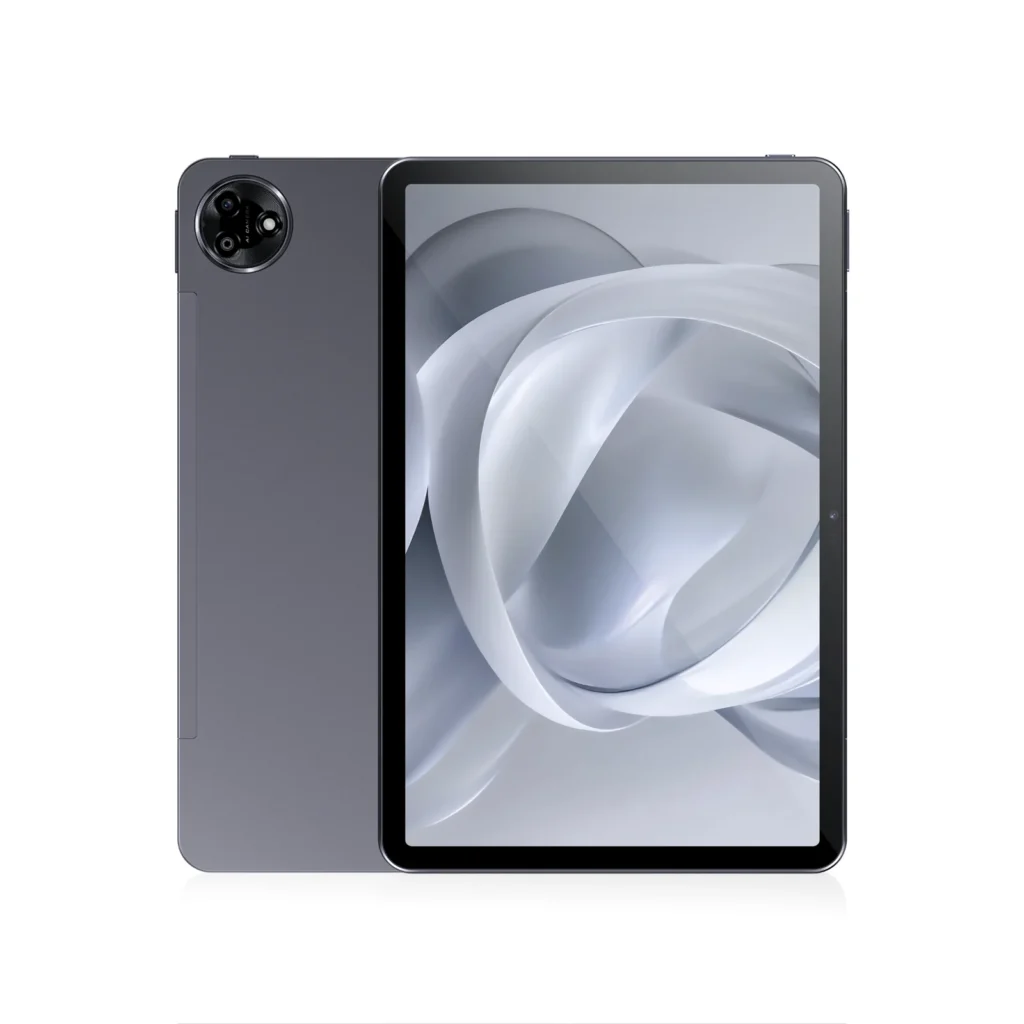
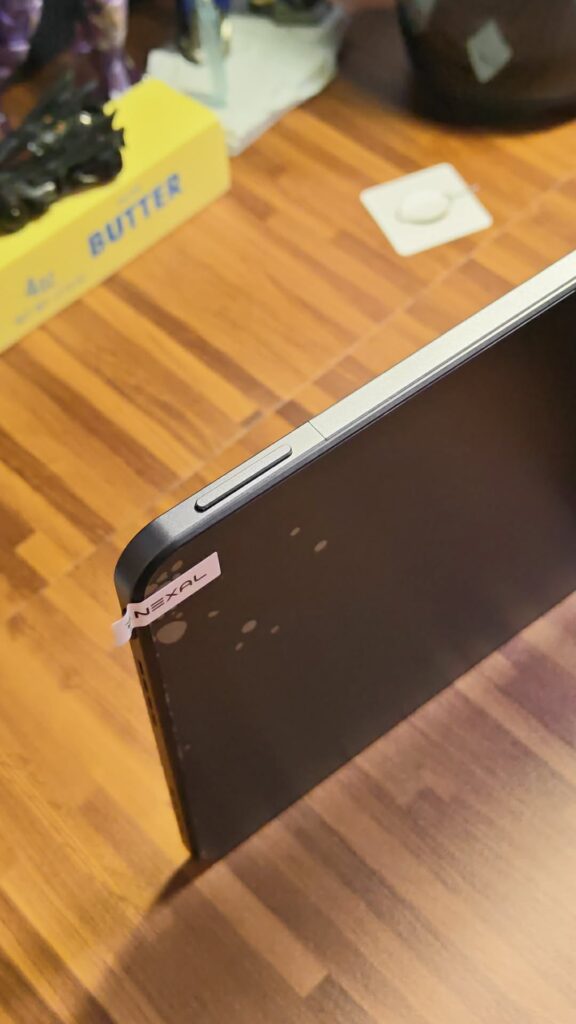
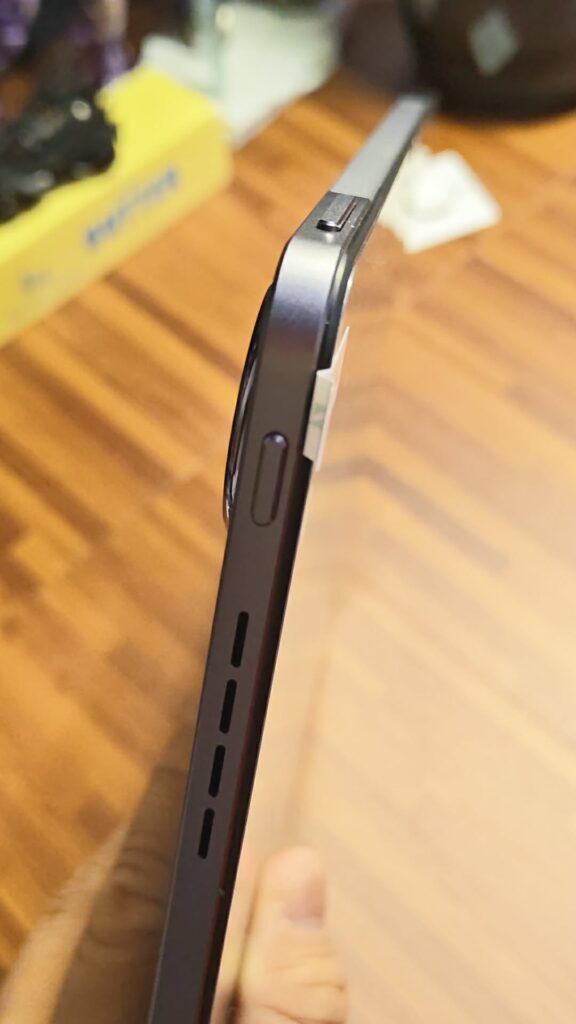
Available in Obsidian Grey and Aurora Green, the NEXAL Pad has a metal back and measures 257.2 × 168.7 × 7.8mm. It weighs 500g before adding accessories, making it a manageable addition to a bag for days when a laptop feels unnecessary.
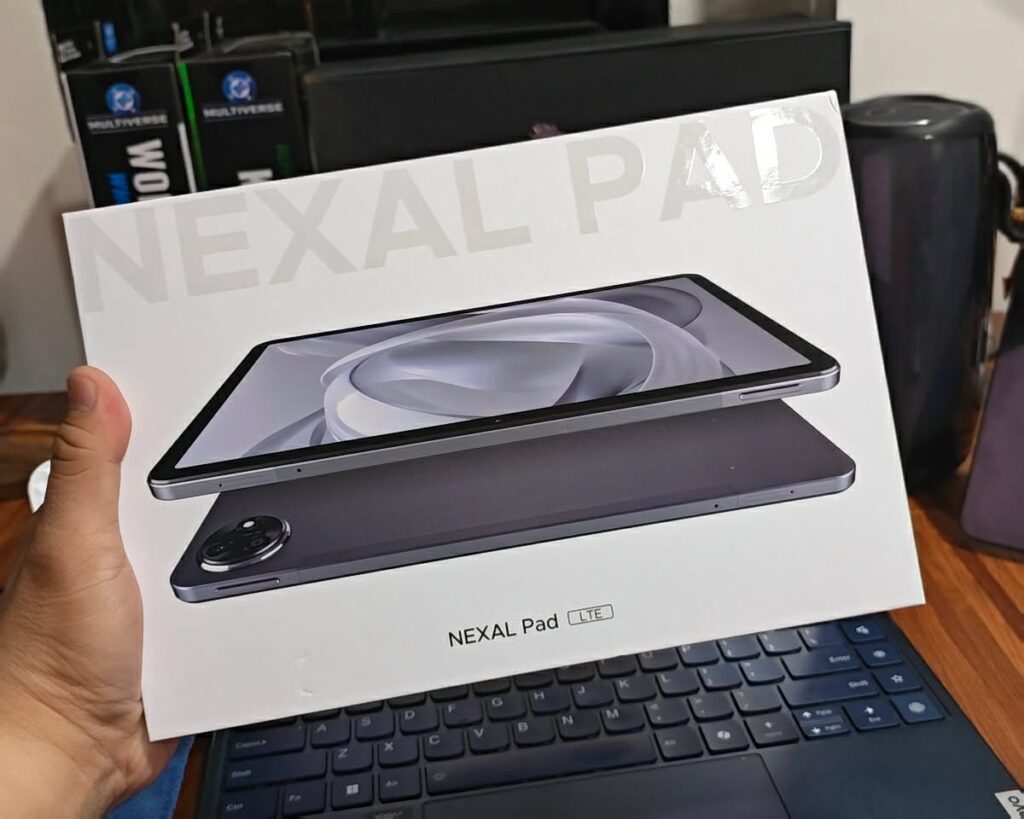
Inside the box are the tablet, a 33W charger, USB-C cable, SIM ejector pin, and manual. My unit also had a preinstalled screen protector.
I would have appreciated a basic case, though. If you plan to carry the Pad in a bag, get one with a screen cover. Keys, chargers, and other items can rub against or press on the display, and the screen protector isn’t a replacement for proper protection.
The rear camera is a 13MP autofocus unit with flash. It did the job for reference shots, although focusing took a second or two during my use. The 8MP front camera provides an option for video calls and online meetings.
UP: More space for documents, comics, and videos
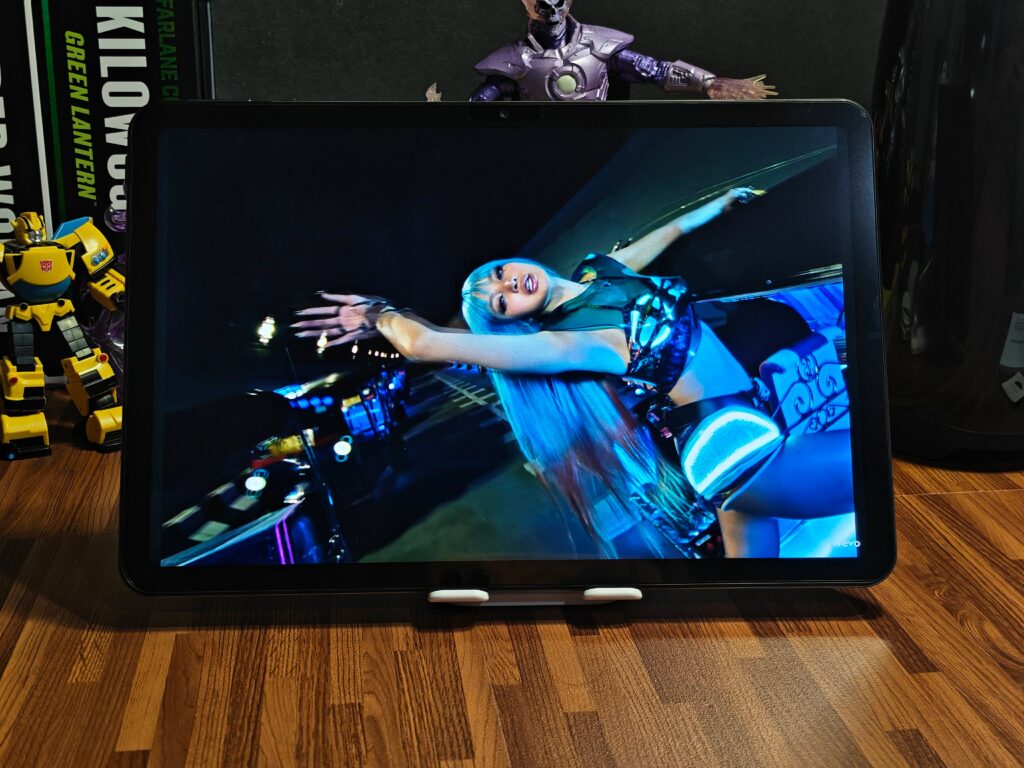
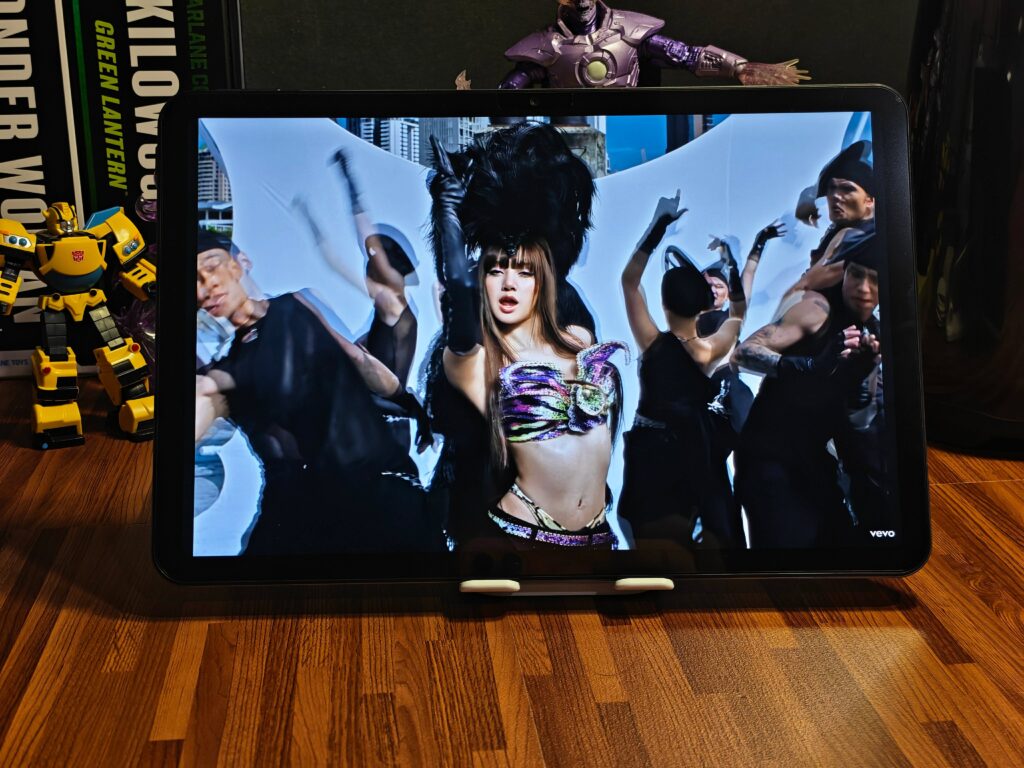
The 11-inch 2.5K IPS display is one of the Pad’s stronger features. It has a 90Hz refresh rate and a listed brightness of 500 nits.
There’s a clear advantage to having this much room when reading documents, books, or comics. Websites and videos also feel less cramped than they do on a phone. The 90Hz refresh rate allows smoother scrolling and interface animations than a standard 60Hz screen.
Split-screen support helps put the larger display to work. You can have reference material open beside your notes or a browser alongside a document, as long as the apps support the layout. For work that involves checking information while writing, that is a practical feature.
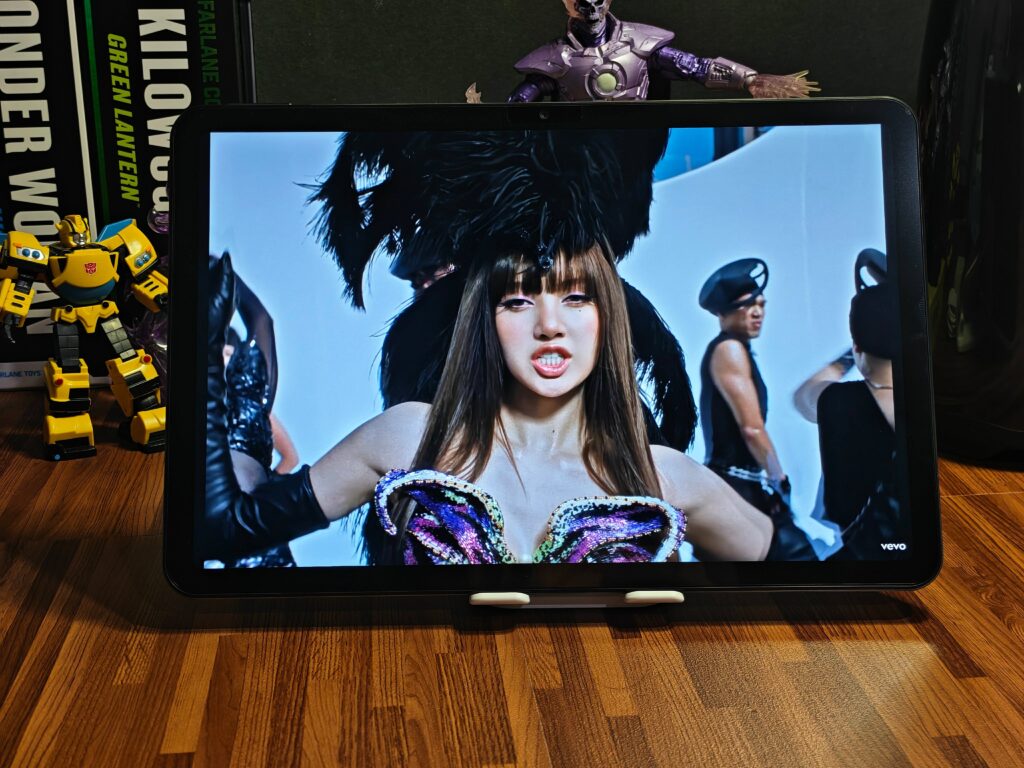
Reading Mode is included for text-focused use. Widevine L1 support also enables HD playback on compatible streaming services, although actual playback quality depends on the service, subscription, and app support.
UP: LTE gives it a reason to leave the house
The dual-SIM 4G LTE connection is the feature I’d put first when explaining why someone should consider this tablet.
With an active data plan and coverage, the Pad can get online independently. You can leave your phone’s hotspot off while checking emails, downloading files, or joining a meeting. Wi-Fi is available when there’s a reliable network nearby.
For travel and work between appointments, that removes a recurring extra step. It also leaves your phone’s battery available for calls, navigation, photos, and everything else you need it for.
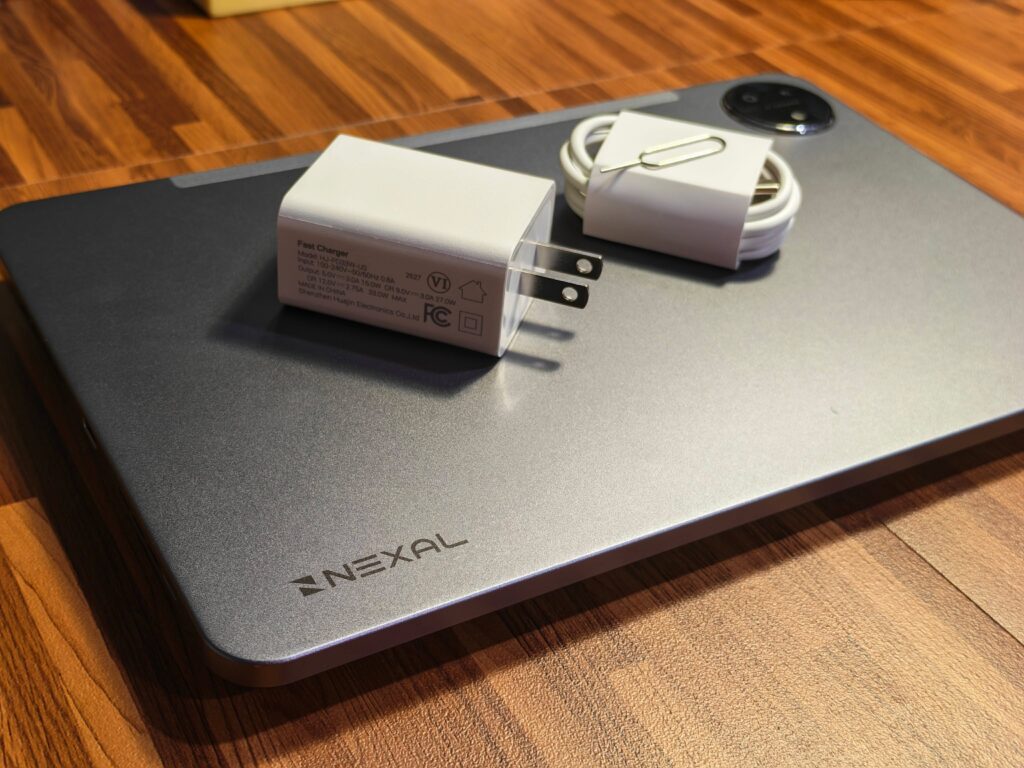
Of course, a SIM card won’t fix poor coverage. Connection quality still depends on your network and location. The benefit is having a mobile connection available without borrowing one from your phone.
UP: Generous storage and useful battery life
The Pad comes with 256GB of storage and supports microSD expansion up to 1TB, according to the supplied specifications. That gives you room for work files, photos, and entertainment downloaded before a trip.
Its 10,000mAh battery comfortably lasted a day of moderate use in my experience. Brightness, mobile data, video calls, and the apps you run will affect endurance, so that is my usage result rather than a promise for everyone.
Charging is rated at 33W through USB-C, with the appropriate charger included. Given the battery’s size, I’d plan around longer charging breaks rather than expect a quick top-up to fill it. You can also switch off mobile data when you don’t need it to help conserve power.
PLUS: Android 16 and AI features

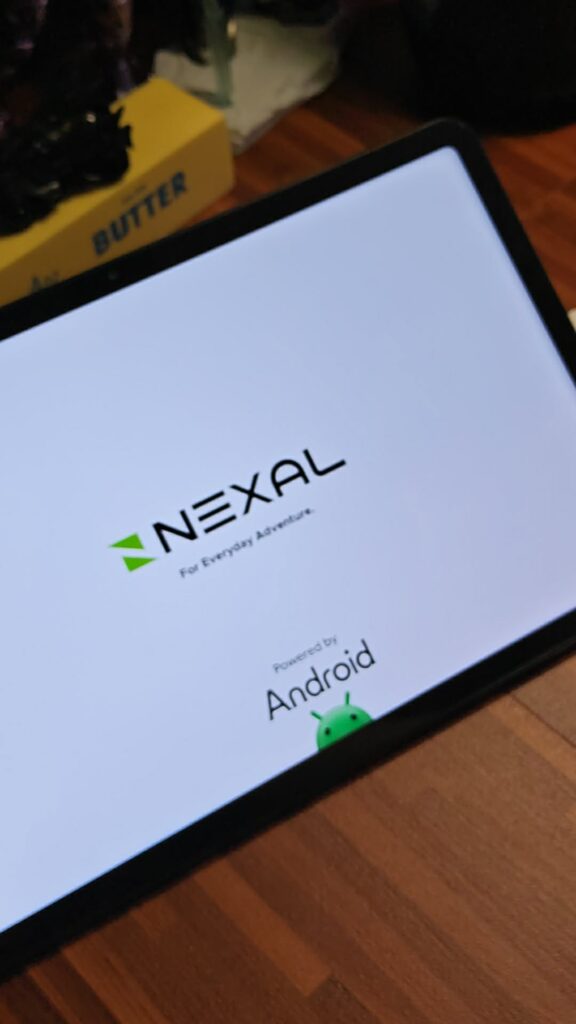
The NEXAL Pad runs Android 16, with split-screen multitasking and a collection of advertised AI tools.
NEXAL lists AI Recorder, AI Speech-to-Text, AI Meeting Summary, AI Mind Maps, and AI Translation. Their intended uses include transcribing speech, summarizing discussions, organizing ideas, and helping with material in another language.
Circle to Search, Hum to Search, and AI Live Screen are also listed. Circle to Search offers a way to look up something displayed on screen, while Hum to Search can help identify a tune.
Those features are part of the software pitch, rather than results I’m claiming from testing. For interview work, any transcript or summary still needs checking against the original recording, particularly for names, numbers, and quotations.
NEXAL Pad: The downs
DOWN: The Helio G200 limits the performance argument
The Pad uses the MediaTek Helio G200, an octa-core 4G chipset. It retains the Helio G100’s CPU configuration: two Cortex-A76 cores at up to 2.2GHz and six Cortex-A55 cores at up to 2.0GHz. Its updates include faster graphics and camera and connectivity improvements, rather than a major CPU leap.
That makes the tablet easier to consider for documents, browsing, communication, and entertainment than for demanding games or intensive editing. Heavier apps may still be usable, but high graphics settings and several demanding apps running together call for measured expectations.
At ₱17,999, I wouldn’t make processor performance the main reason to buy it. The better argument is how the screen, LTE, storage, and battery fit your daily needs.
DOWN: The speakers sound thin at high volume
There are four speakers, but the sound can become tinny at maximum volume, and bass is lacking.
I preferred keeping the volume at around 80 percent or lower. For music and films where I wanted fuller sound, I’d use an external speaker or earbuds.
DOWN: The price needs weighing against your needs
Having tested several tablets recently, I wouldn’t call the NEXAL Pad an automatic recommendation at ₱17,999. It offers a good-looking display, a metal back, expandable storage, and a substantial battery, but buyers have other options to consider.
LTE makes the strongest difference if you work outside the house or travel regularly. If most of your use happens at home on Wi-Fi, that feature may have less value to you.
The keyboard case makes the package more appealing for emails and documents. NEXAL’s launch offer at realme and TechLife stores included a free keyboard case and watch, with total freebies valued by the brand at up to ₱7,998. That promotion ran from September 25 to October 4, 2026.
The keyboard was the more useful addition to the productivity pitch, providing a typing option and protection for carrying the tablet. Since that offer has ended, check the available inclusions before making a decision.
UP: Good sound and a fit that stayed comfortable
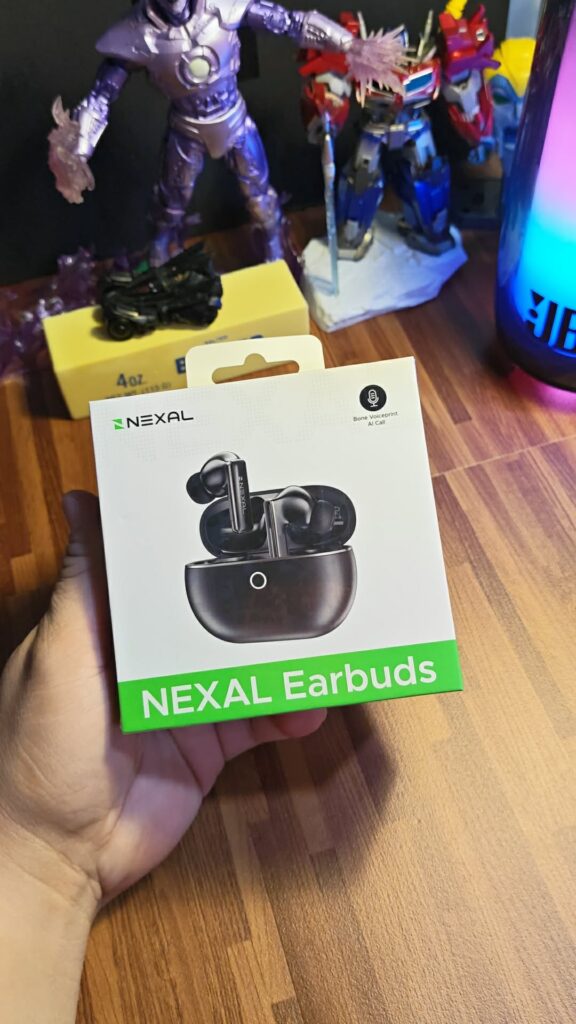
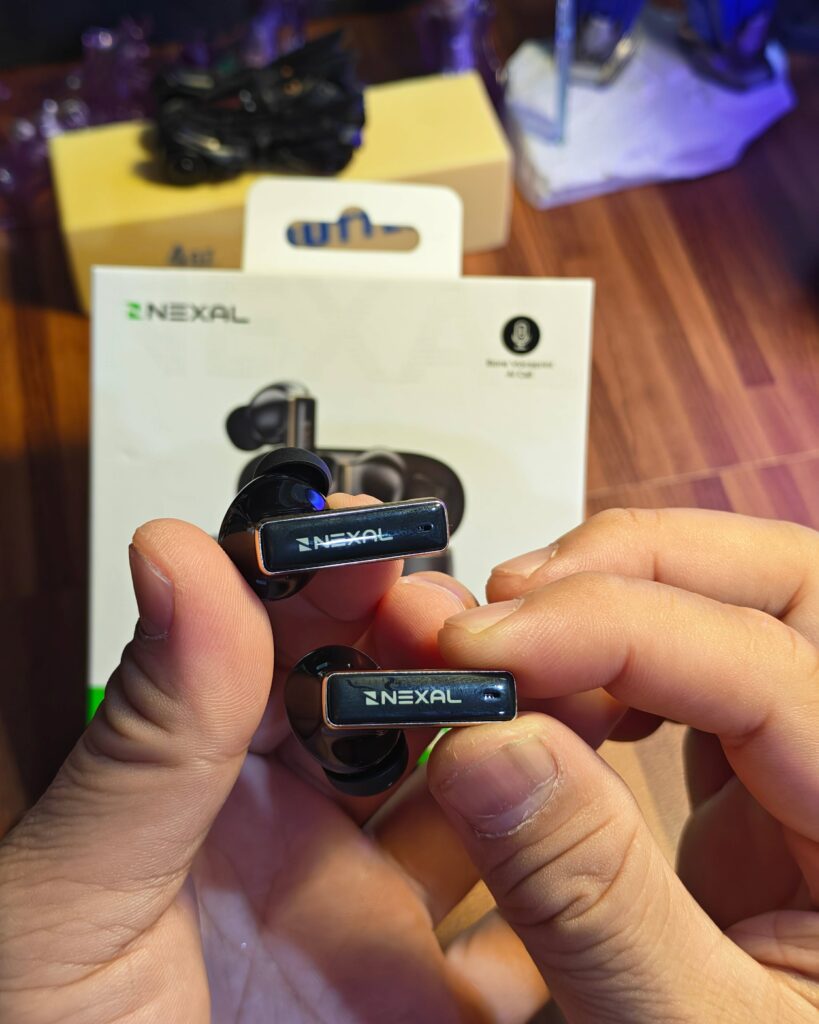
The NEXAL Earbuds use 13mm dynamic drivers. More importantly, I liked how they sounded and felt while wearing them.
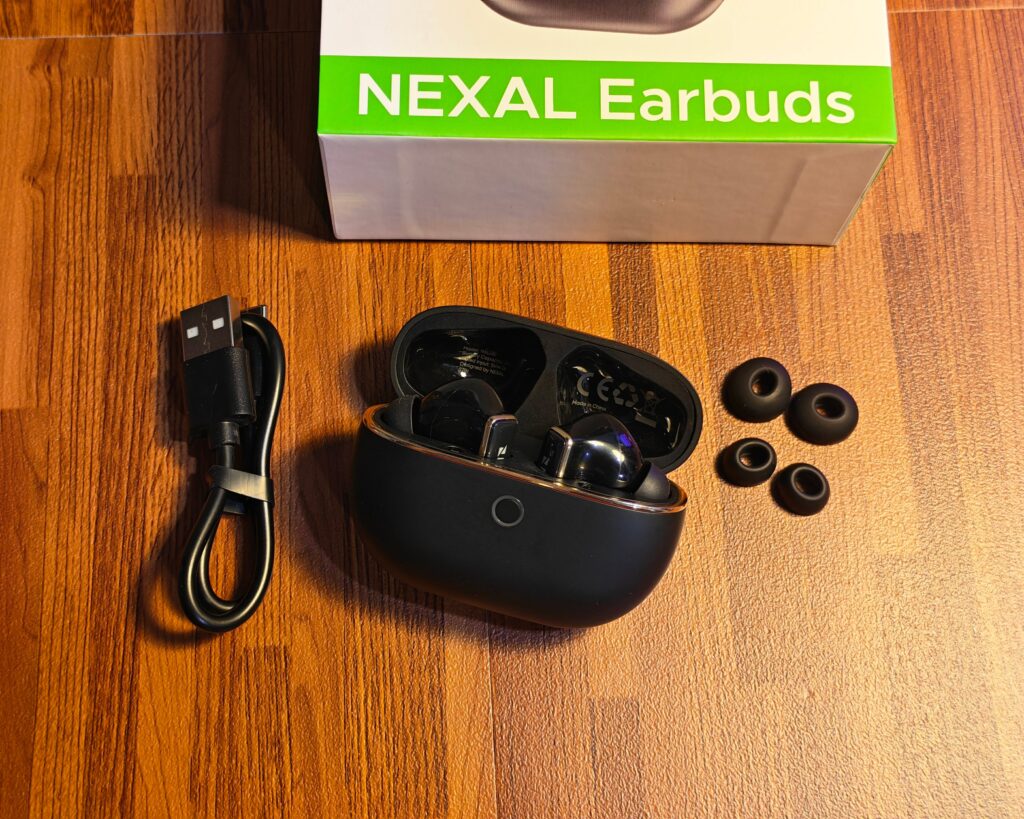
They stayed secure while I walked around and during long bus rides—even when I fell asleep. Neither earbud fell out. The included ear tips also provide options for finding a comfortable fit.
That made them useful travel companions. You can have plenty of features on the box, but comfort matters when you’re sitting through another long ride.
The IPX4 water-resistance rating covers sweat and light splashes. It’s a useful provision for daily wear and workouts, though it doesn’t make these suitable for swimming.
UP: Easy pairing and a steady connection
Pairing was straightforward. The Earbuds support Bluetooth 6.0, with auto pairing and fast reconnection among the listed features.
NEXAL specifies a range of up to 15 meters. I didn’t measure that distance, but the audio didn’t cut out when I left my phone on a restaurant table and walked around the buffet area.
UP: ANC that proved useful during the trip
NEXAL rates the active noise cancellation at 53dB. That is the manufacturer’s figure; my assessment comes from wearing them during our Guizhou trip.
On the train and while walking through an underground shopping area, the ANC blocked out much of the surrounding noise. It made it easier to focus on what I was listening to.
Switching to Transparency Mode was also easy when I wanted to hear someone or stay aware of my surroundings without removing the earbuds.
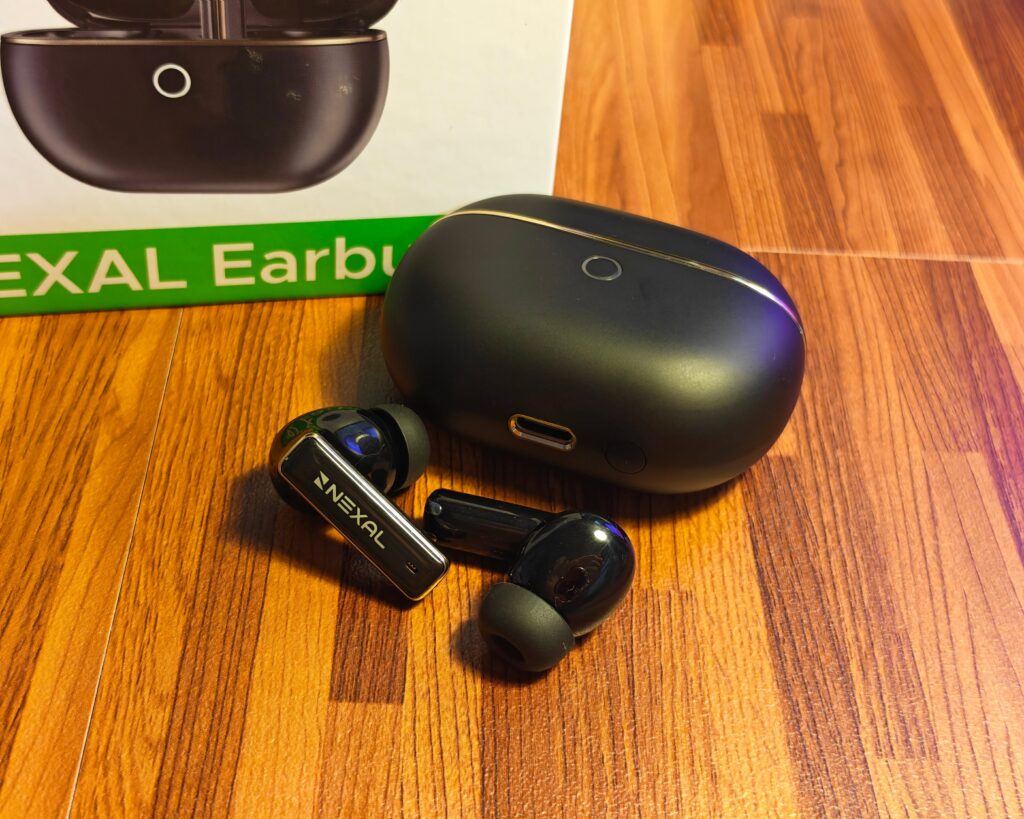
For calls, the Earbuds combine six-microphone environmental noise cancellation with NEXAL’s Bone Voiceprint Call Clarity. These features are designed to improve voice pickup while reducing surrounding noise for the person on the other end. Overall call quality was good during my use.
DOWN: Controls that react too easily
The Earbuds offer touch controls, a double-tap voice-assistant shortcut, and smart in-ear detection.
The controls are responsive, sometimes too responsive. Scratching my ear or adjusting an earbud occasionally changed the ANC mode or paused the music. This also happened when I shifted the earbuds after dozing off.
Whether triggered by a touch or the fit detection, those unintended responses interrupted my listening. A little more tolerance for incidental contact and adjustments would improve the experience.
FINAL WORD
The NEXAL Pad is worth considering if you regularly need a larger screen away from reliable Wi-Fi. Its LTE connection, storage, display, and battery give it a practical role between a phone and a laptop. The processor and speakers are the compromises, while the ₱17,999 price makes it important to buy for features you’ll actually use.
The ₱2,999 Earbuds were easier for me to appreciate during the trip. I liked the sound, found them comfortable, and benefited from the noise cancellation. The sensitive controls are my main reservation.
The NEXAL Pad is priced at ₱17,999, while the NEXAL Earbuds cost ₱2,999. Both are available at realme and TechLife stores.