
First Look: HUAWEI MatePad 11.5 S 2026 — A Tablet That Wants to Do Everything with You
There’s a funny contradiction in the digital world.
Artists still keep sketchbooks even though they already draw a lot on tablets. Remote workers still jot notes on paper even when their laptop is open in front of them. And students who type reports on a keyboard somehow still end up highlighting printed PDFs like it’s 1998.
For all the incredible gadgets we have today, many of us still bounce between different tools depending on what we’re doing. Why? Because the experience of using paper is still different.
That’s exactly the problem the new HUAWEI MatePad 11.5 S 2026 seems determined to solve.
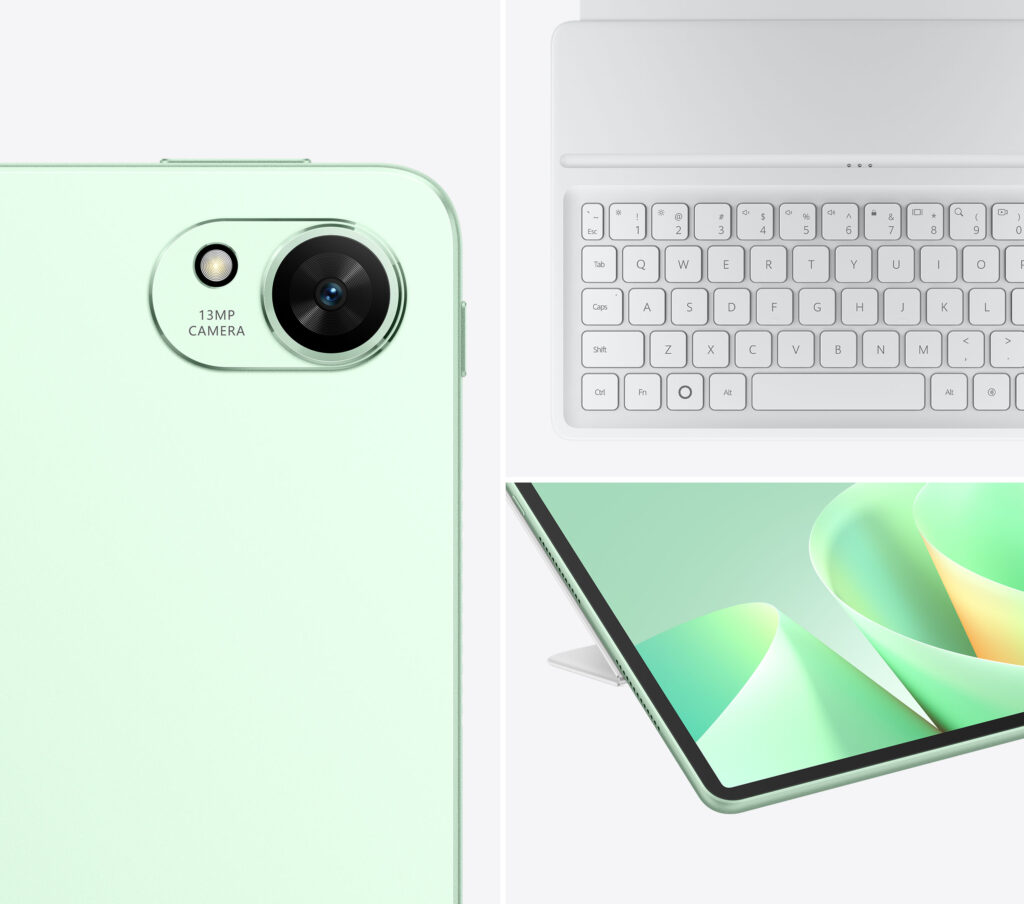
Huawei describes the device as a “4-in-1 Better Than Ever Productivity Tablet – Work, Learn, Create – Designed to Do It All.” In simpler terms, it’s a tablet designed to behave like multiple tools depending on the situation: a note-taking pad, a sketchbook, a productivity machine, and an entertainment screen.
And yes, the “S” in the name hints at a slightly more refined version of the MatePad lineup—something slimmer, more capable, and designed with everyday productivity in mind.
After spending a few days getting familiar with the device, here’s a quick first look at what the MatePad 11.5 S 2026 brings to the table.
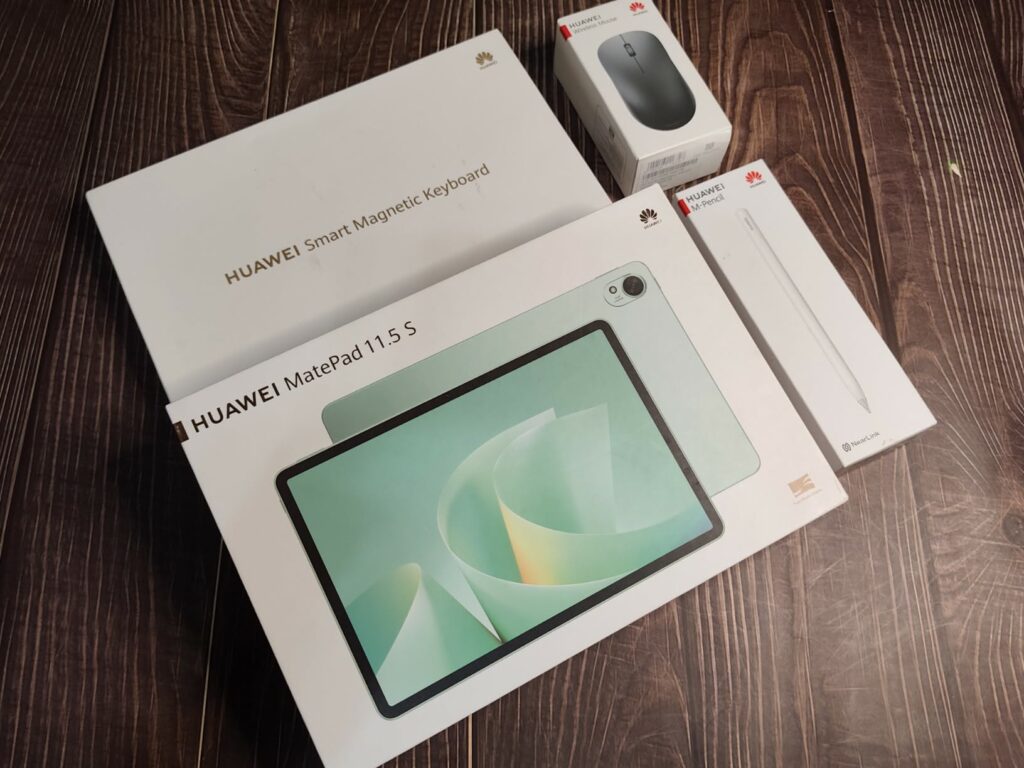
A tablet that arrives fully equipped
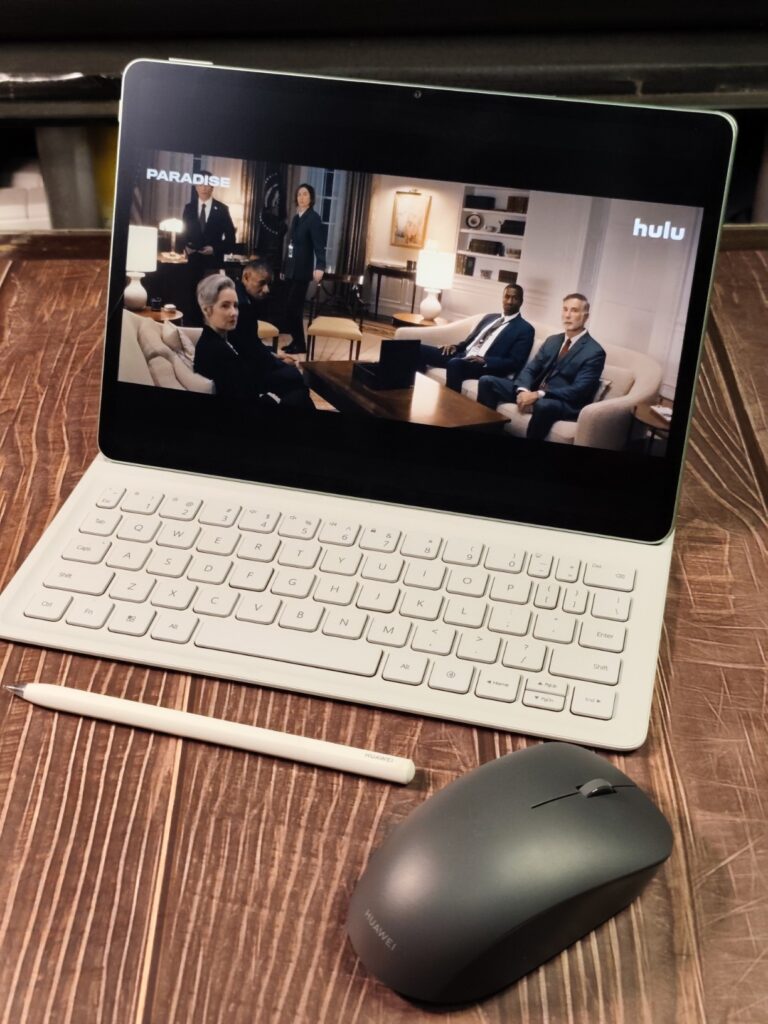
One of the more interesting things about the MatePad 11.5 S 2026 is that it doesn’t arrive alone. Unlike other tablets where you need to spend extra for accessories this one comes complete.
Inside the ecosystem are four key components:
- The tablet itself
- The HUAWEI Smart Magnetic Keyboard
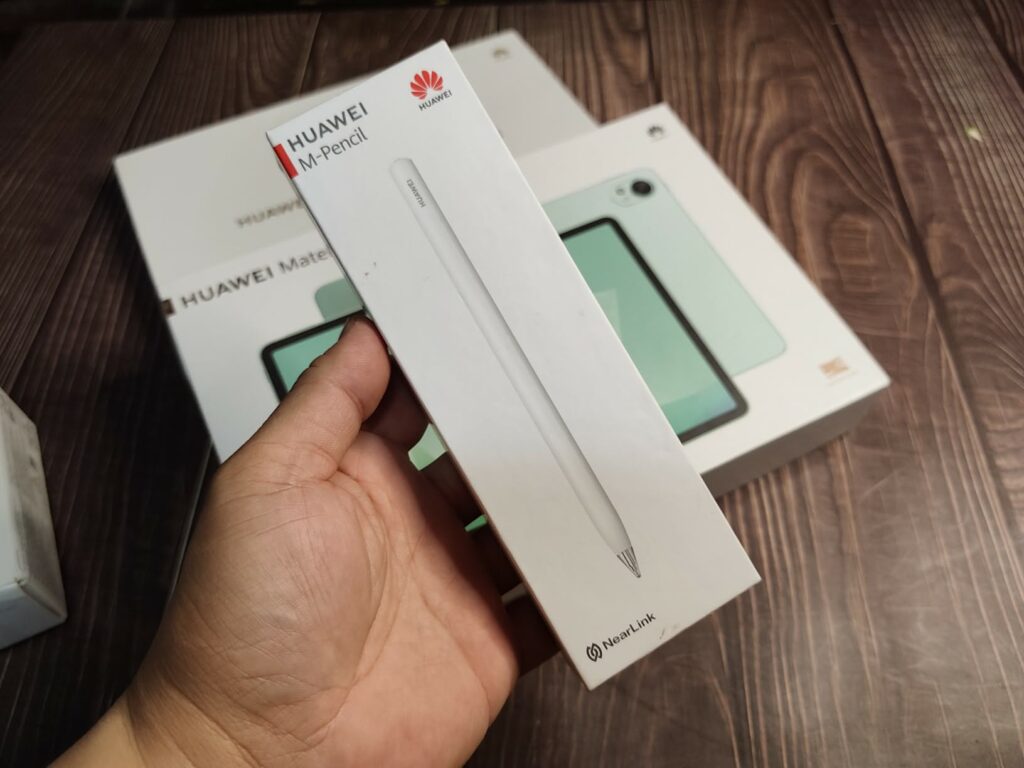
- The HUAWEI M-Pencil (3rd Gen)
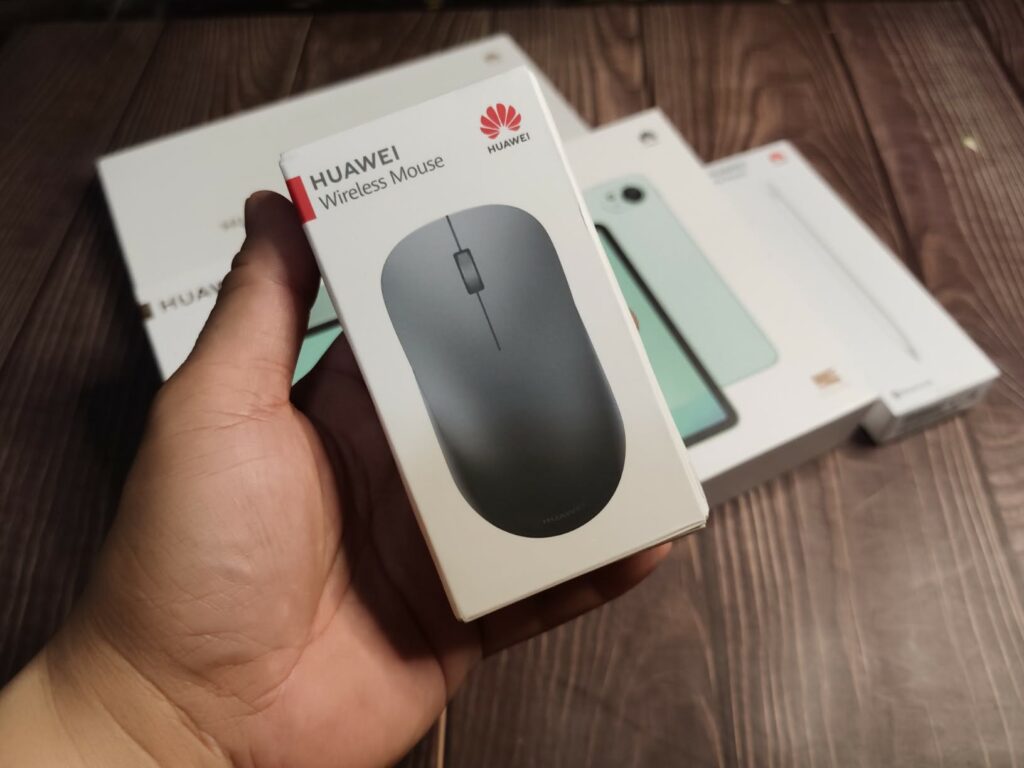
- And a wireless mouse
Together, these accessories form the tablet’s 4-in-1 concept, allowing it to switch between different roles depending on what you’re doing.
Working on a document? Attach the keyboard.
Sketching or annotating notes? Grab the stylus.
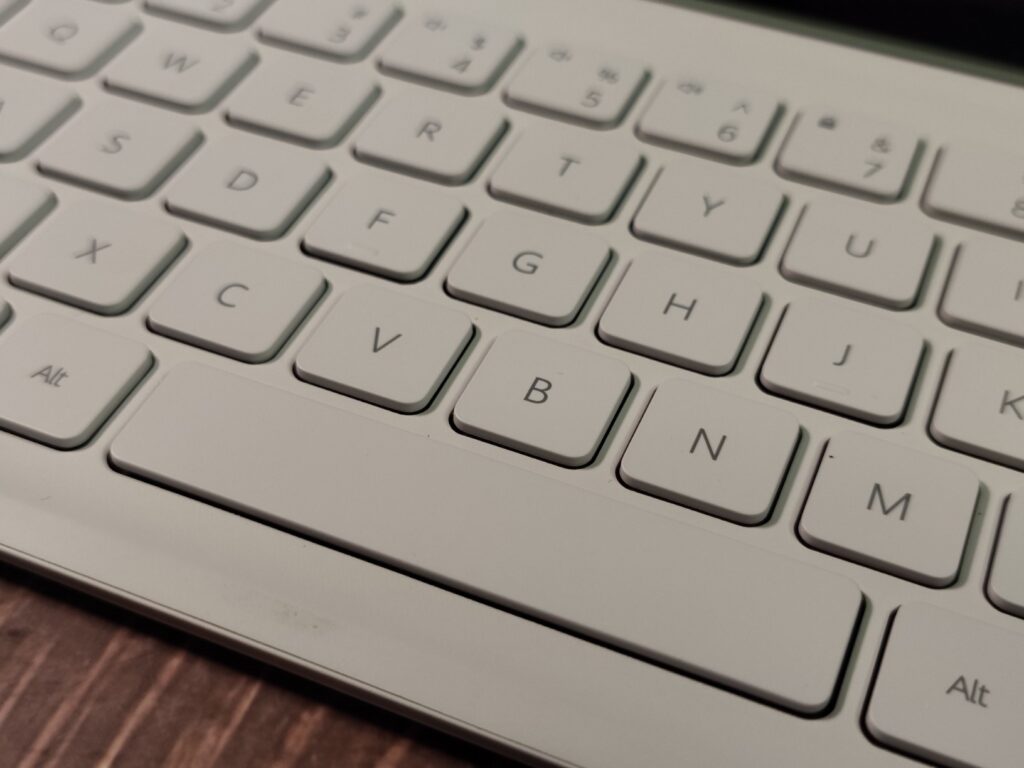
Navigating spreadsheets or editing slides? The mouse makes the interface feel more desktop-like.
The goal is simple: a single device that can move fluidly between work, study, creativity, and entertainment.
Slim, light, and refreshingly minimal
The HUAWEI MatePad 11.5 S 2026 has the kind of understated design that tablets tend to do best.
It measures 261.0 mm × 177.3 mm × 6.1 mm and weighs approximately 515 grams, making it light enough to hold comfortably with one hand while reading or browsing.
Huawei uses a metallic unibody chassis with a matte sand-blasted finish that resists fingerprints and smudges surprisingly well. The tablet is available in Green and Space Gray, with the green variant offering a slightly more vibrant look without becoming flashy.
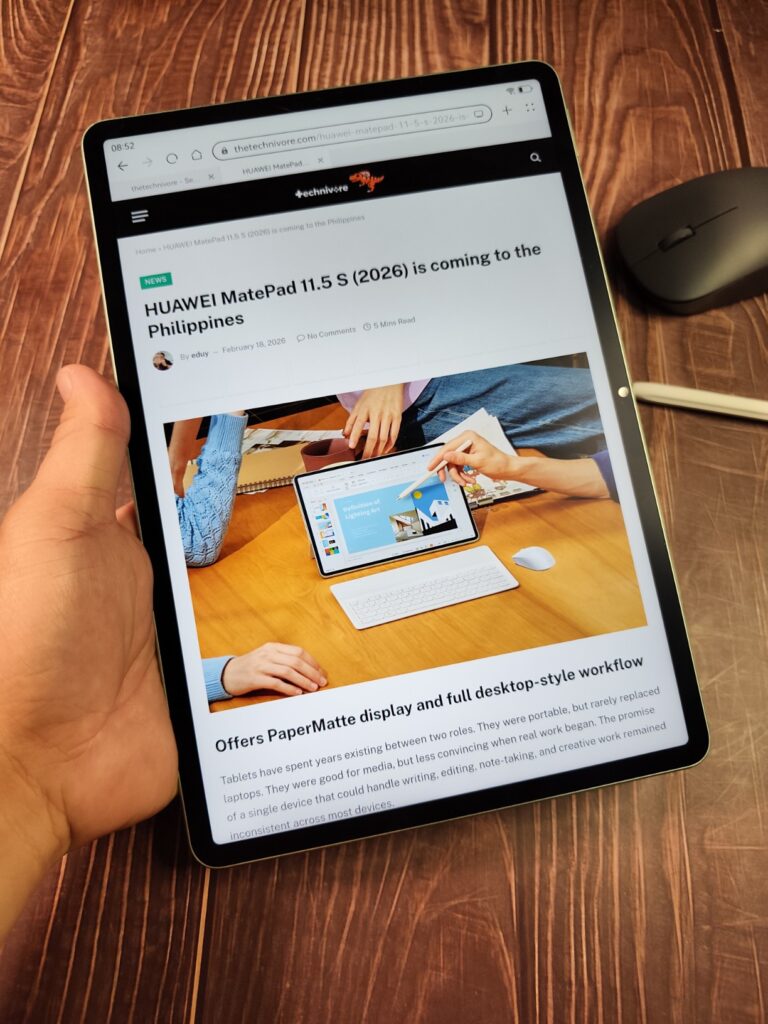
Around the edges you’ll find the essentials: a USB-C port, speaker grilles for the quad-speaker system, a magnetic area where the stylus attaches and charges wirelessly, and the pogo-pin connector that links the tablet to the keyboard accessory.
The overall aesthetic is clean, modern, and clearly designed to work equally well in a café, classroom, or home workspace.
The PaperMatte display: built for long sessions
Front and center is the tablet’s 11.5-inch Ultra-Clear PaperMatte Display.
This panel uses nanoscale etching technology to reduce glare and reflections by up to 50 percent, creating a screen that feels noticeably easier on the eyes when reading or writing.
The display itself has a resolution of 2800 × 1840 pixels, delivering a sharp 291 PPI pixel density. It also supports a 144 Hz refresh rate, which makes scrolling, drawing, and general navigation feel smooth and responsive.
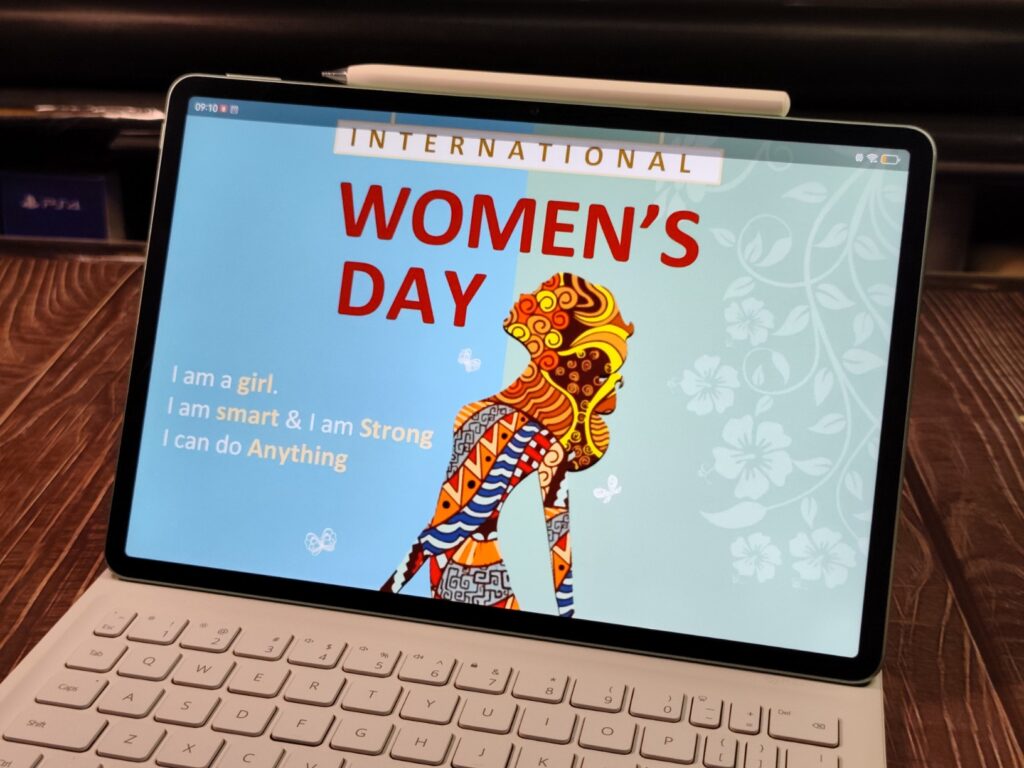
Brightness peaks at 500 nits, and the display supports a P3 wide color gamut, helping colors appear vibrant without looking overly saturated.
One subtle benefit of the PaperMatte finish becomes apparent when using the stylus. Instead of the slippery feeling typical of glass screens, the textured surface adds a small amount of resistance that makes writing and sketching feel closer to pen on paper.
Hardware and performance
Under the hood, the MatePad 11.5 S 2026 is equipped with 12 GB of RAM and 256 GB of internal storage.
This configuration is designed to support multitasking across apps, whether you’re switching between documents, editing notes, or browsing research materials while writing.
The tablet runs HarmonyOS 4.3, Huawei’s latest operating system for tablets, which emphasizes multitasking features like split-screen mode and floating windows.
For productivity tasks, the tablet comes preloaded with tools such as WPS Office 3.0, allowing users to open and edit Word, Excel, PowerPoint, and PDF files with a desktop-style interface.
Built-in creative tools
Huawei is also putting considerable emphasis on creativity.
The tablet supports the HUAWEI M-Pencil (3rd Generation), which offers over 10,000 levels of pressure sensitivity and ultra-low latency for drawing or handwriting.
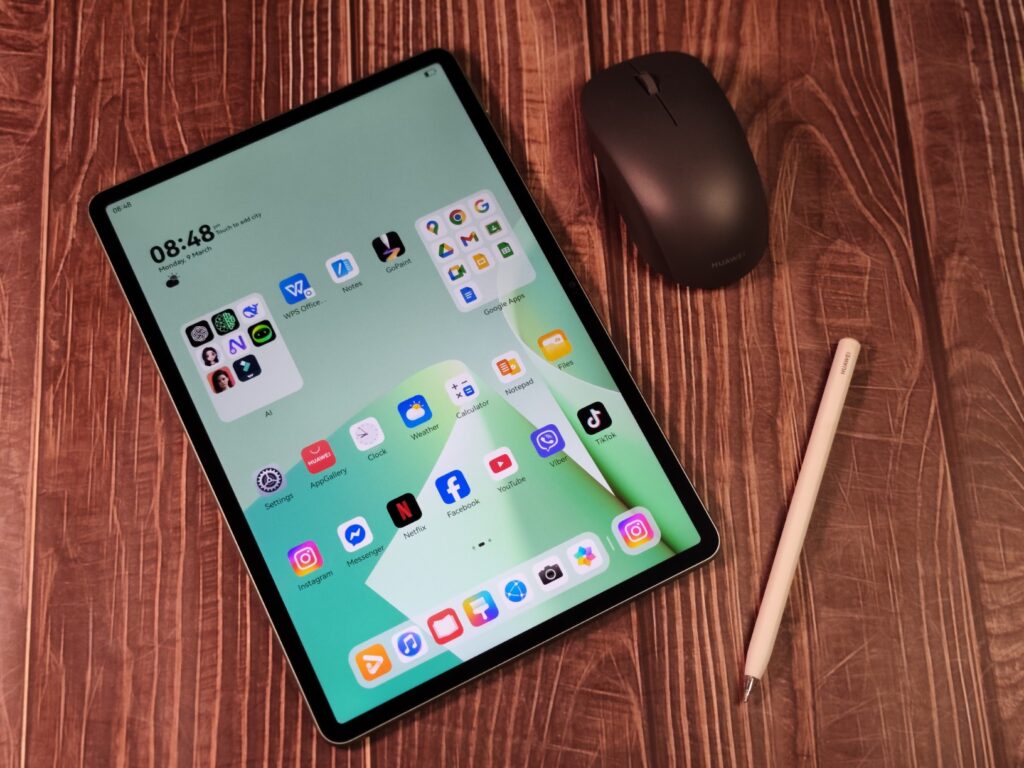
Two apps in particular stand out:
HUAWEI Notes
A note-taking app that supports handwriting, voice recording, and features such as AI handwriting enhancement and equation recognition.
GoPaint
A digital drawing app that includes realistic brushes like 3D Oil Brush, as well as tools such as Intelligent Color Card for extracting color palettes from photos and Animation Frame for creating simple animated sketches.
Together with the stylus, these apps turn the tablet into a capable digital notebook or sketchpad.
Cameras, audio, and connectivity
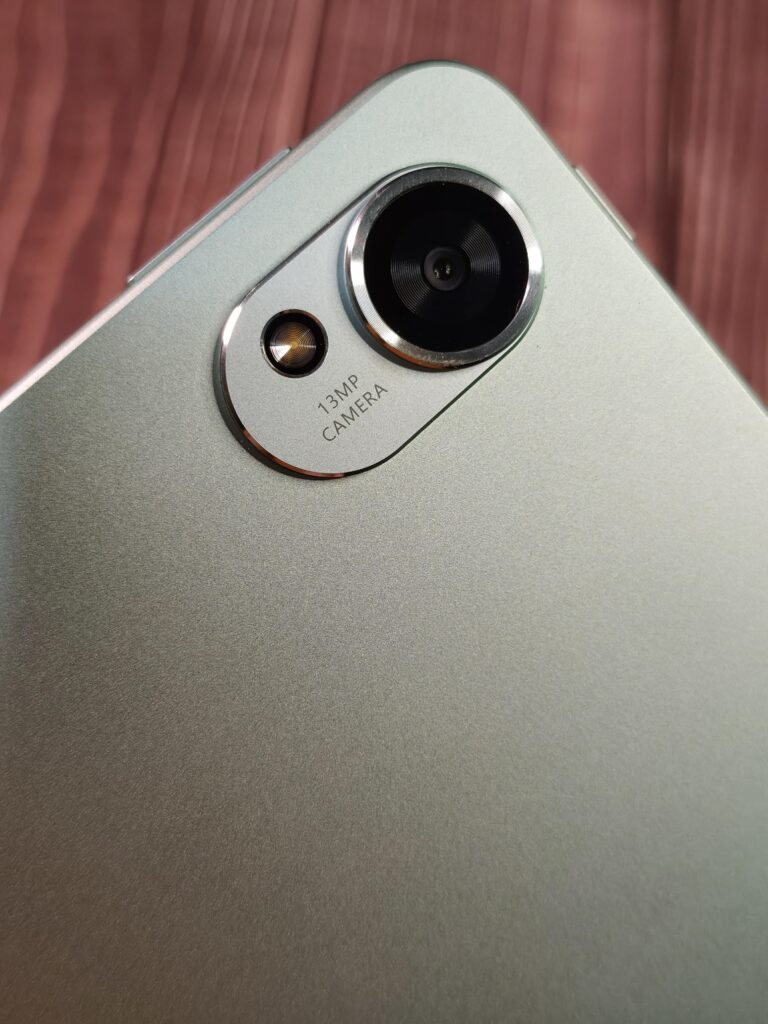
The MatePad 11.5 S 2026 features a 13-megapixel rear camera with f/1.8 aperture and autofocus, suitable for quick photos or document scanning.
On the front is an 8-megapixel camera with f/2.0 aperture, designed primarily for video calls and online meetings.
Audio comes from a quad-speaker setup, tuned with HUAWEI Histen 9.0, producing clear stereo sound for movies, music, and video streaming.
Connectivity includes Wi-Fi 6, Bluetooth 5.2, and support for Huawei’s NearLink technology, which helps accessories like the keyboard and stylus connect with low latency.
Battery life
Powering the tablet is a large 8,800 mAh battery, designed to support long hours of productivity or entertainment.
The device supports 40 W SuperCharge, allowing it to recharge quickly when needed.
Early impressions
After a short time with the HUAWEI MatePad 11.5 S 2026, the tablet feels like a device built around versatility.
It tries to merge several roles into one: a notebook for ideas, a creative canvas, a productivity workstation, and an entertainment screen.
Whether it truly succeeds at balancing all those responsibilities is something we’ll explore in the full review.
For now, though, the first impression is promising.
The combination of a PaperMatte display, 12 GB of RAM, a 144 Hz screen, and a complete set of accessories right out of the box suggests that the MatePad 11.5 S 2026 could be one of the more interesting tablets in Huawei’s lineup this year.
We’ll spend more time testing its performance, creative tools, and productivity features in the coming days.
So stay tuned for the full review.